
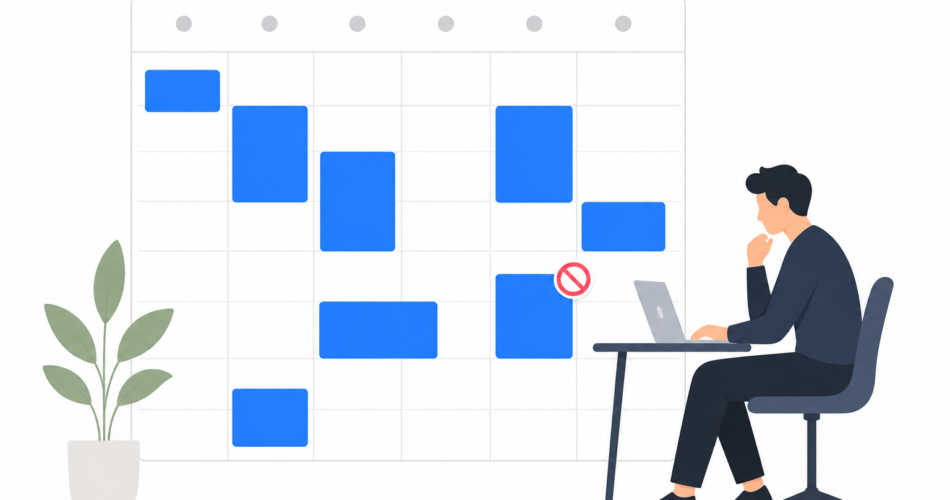
Block ‘Deep Work’ on your shared calendar. Your team books around it. Three uninterrupted hours instead of six 30-minute slivers. Protect focus time before meetings eat it.
Most professionals lose their best work hours to meeting creep. A colleague sees a blank slot at 10 a.m. and drops in a quick sync. Another spots 2 p.m. open and schedules a status update. By Thursday, your calendar looks like Swiss cheese and you haven’t touched the project that actually moves the needle.
The solution isn’t working longer hours. It’s making your focus time visible.
Why Invisible Work Gets Interrupted
When your calendar shows white space, your team assumes you’re available. They don’t know you planned to spend Tuesday morning writing that proposal or Wednesday afternoon building that deck. To them, empty slots mean free slots.
The problem isn’t malicious. It’s structural. If your deep work exists only in your head or a private task list, it won’t survive contact with a shared calendar. Colleagues optimize around what they can see.
Turn your focus time into a calendar block and suddenly it has the same weight as any other meeting. People route around it naturally.
How to Set Up Focus Blocks That Actually Work
Start by auditing your calendar for the past two weeks. Identify the recurring blocks of time when you need uninterrupted focus. Most people find they need at least two or three hours twice a week for strategic work, complex problem-solving, or creative output.
Create recurring calendar events for those blocks. Label them clearly:
- Deep Work
- Project Time
- Focus Block
- Strategy Session (solo)
The label matters less than the consistency. Pick a name your team will recognize and respect.
Mark the blocks as busy, not tentative. If your calendar tool allows it, set them to decline conflicting meeting requests automatically. When you integrate your task manager with your calendar, these blocks sync across platforms so teammates see your boundaries wherever they check availability.
Sync Tasks to Calendar Blocks
A calendar block protects the time. Linking it to specific tasks protects the intention.
Before each focus block, assign two or three high-priority tasks to that window. When your calendar and task list talk to each other, you see exactly what you planned to accomplish during that protected time. No more staring at a blank ‘Deep Work’ slot wondering what you’re supposed to focus on.
This connection also helps you defend the block when someone asks to schedule over it. ‘I have three client proposals due Friday and this is my writing time’ carries more weight than ‘I blocked off some focus time.’
Setting Expectations With Your Team
Calendar blocks only work if your team understands what they mean. Announce the change in your next team meeting or Slack channel. Keep it simple:
I’m blocking Tuesday and Thursday mornings for project work so I can make real progress on our Q2 initiatives. If you see ‘Deep Work’ on my calendar, assume I’m heads-down and won’t respond immediately. For anything urgent, text me.
Most teams respect focus time once they know it exists. The ones who don’t usually have deeper cultural issues around always-on availability that calendar blocks alone won’t solve.
If you manage a team, model the behavior first. When your direct reports see you protecting focus time, they’ll feel permission to do the same. Make it a team norm by celebrating the work that happens during those blocks, not just the meetings you attend.
Handle the Edge Cases
Some meetings genuinely can’t wait. A client emergency, a critical launch decision, or a time-sensitive opportunity will occasionally conflict with your focus block. That’s fine.
The goal isn’t perfect protection. It’s changing the default from ‘always interruptible’ to ‘interrupt intentionally.’ When someone has to ask before booking over your deep work time, they pause and consider whether the meeting is truly urgent or just convenient.
Build flexibility into your system. If you block every morning for a month and realize you’re constantly moving the blocks, you’ve chosen the wrong time slots. Experiment until you find windows that genuinely work for focused effort.
Measure the Difference
After two weeks of consistent calendar blocking, compare your output. How many strategic projects moved forward? How much time did you spend in reactive mode versus proactive work?
Most people find they complete more meaningful work in three protected hours than in an entire fragmented day. The math is simple: context-switching has a cost. Every time you pivot from deep work to a meeting and back, you lose 15 to 20 minutes just getting back into flow.
Protect the time, and you protect the work.
Start With One Block This Week
You don’t need to overhaul your entire calendar overnight. Pick one recurring block this week. Two hours, same day and time, labeled clearly. Link it to a specific project or task. Let your team know what it means.
Then see what you accomplish when meetings stop fragmenting your day.


