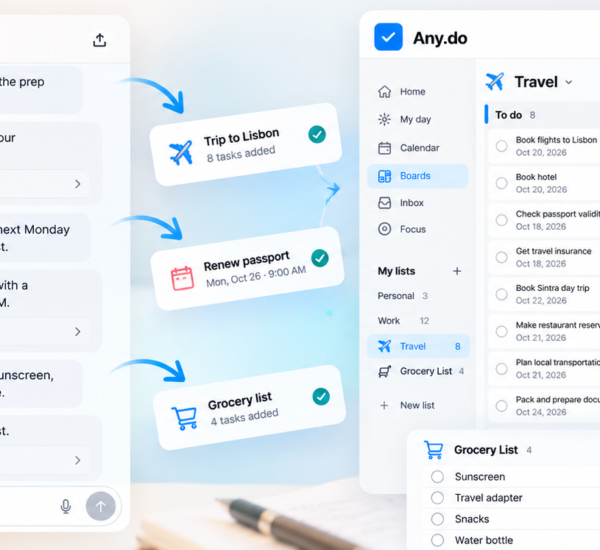

Some tasks take five minutes to add and three weeks to get around to. Research the vacuum. Plan the birthday. Prepare for that meeting. You know what needs doing. Finding the time to get started is another story.
If you’re experimenting with a ChatGPT dot, give it something from your real to-do list. Any.do can provide the context; your dot can help with the next step. Think fewer blank pages and more ‘Oh, good. That’s already started.’

First, let them meet 🤝
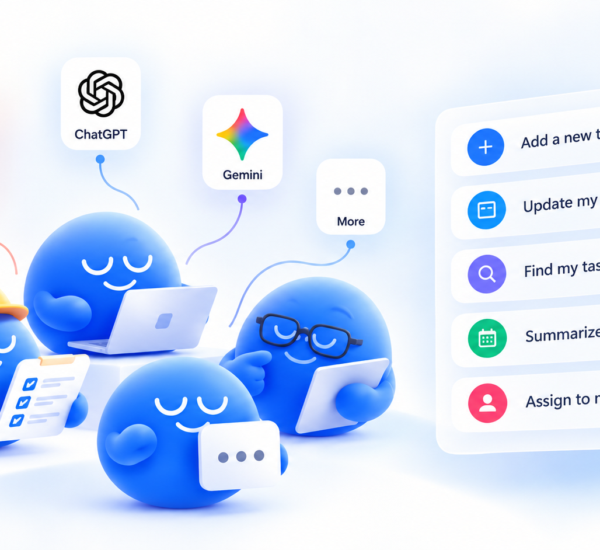
MCP stands for Model Context Protocol. It’s the connection that lets a compatible AI assistant work with apps such as Any.do. Once you connect and authorize Any.do, ChatGPT can use the tasks, lists, reminders and boards available through your approved access. Your dot has somewhere useful to start.
Add Any.do in ChatGPT’s MCP settings using https://mcp.any.do/mcp, then sign in to your Any.do account and approve the connection. Follow our setup guide for your version of ChatGPT. On the web, tag @Any.do in your prompt; on desktop, mention Any.do naturally.
Try this first
Review my Personal list in Any.do. Suggest one task you could help move forward today, and tell me what you need from me to get started.

Let the research happen while you get on with your day
That ‘Compare robot vacuums’ task can become a useful recommendation. Give your dot a budget and the details that matter, so it has something better to work with than ‘find a good one.’
Try this prompt
Find ‘Compare robot vacuums’ in my Any.do Personal list. My budget is $500, I have two shedding dogs and hard floors. Research three suitable options, link to current sources, and explain which you’d choose and why.
Big event. A little less in your head.
The birthday checklist is already in Any.do. Give your dot a job within it, such as drafting a menu or writing the invitation. You still get the final say on the cake.
Try this prompt
Open ‘Plan the birthday’ in Any.do. We’re hosting 12 people, including two vegetarians. Draft an easy menu and a friendly invitation message here for me to review. Ask me for any missing details first.

Walk into the meeting with a head start
Bring together the task context and the documents you share, then ask for a brief you can actually use. If file creation is available in your chat, you can also request a PDF.
Try this prompt
Find ‘Prepare for client meeting’ in Any.do. Review its details, the related open tasks you can access and the documents I share here. Draft a meeting brief with key updates, open questions and decisions needed. Flag anything you can’t access.
Give your dot one clear job
Small, specific requests are an easy way to experiment. Try the travel admin you keep putting off, then keep the useful result with the original task.
Try this prompt
Use my Any.do Travel list to find the trip details I’ve saved. Ask me for anything missing, then check the airline’s official baggage rules. Summarize the allowances and give me a short note I can save with the task.
Any.do supplies task context. Web research, email, document access and file creation depend on the tools and permissions available in your ChatGPT setup. The MCP integration is in beta and available to all Any.do users; ChatGPT eligibility depends on your plan.

Start with the task you keep moving to tomorrow
You don’t need to reinvent your routine. Connect Any.do, pick one task and let your dot take a first pass. Review the result together. A little help can go a long way when your list already has plenty on it.
Try it today with Any.do’s MCP.