Time blocking is one of the most effective time management techniques available – and if your to-do list keeps growing while your most important work keeps getting pushed to tomorrow, understanding what is time blocking and why it works could change how you work entirely.
The problem most people face isn’t a lack of motivation. It’s that they manage their day reactively – responding to whatever shows up, hopping between tasks, and ending the day with the same big items untouched. Time blocking is the antidote.
What Is Time Blocking?
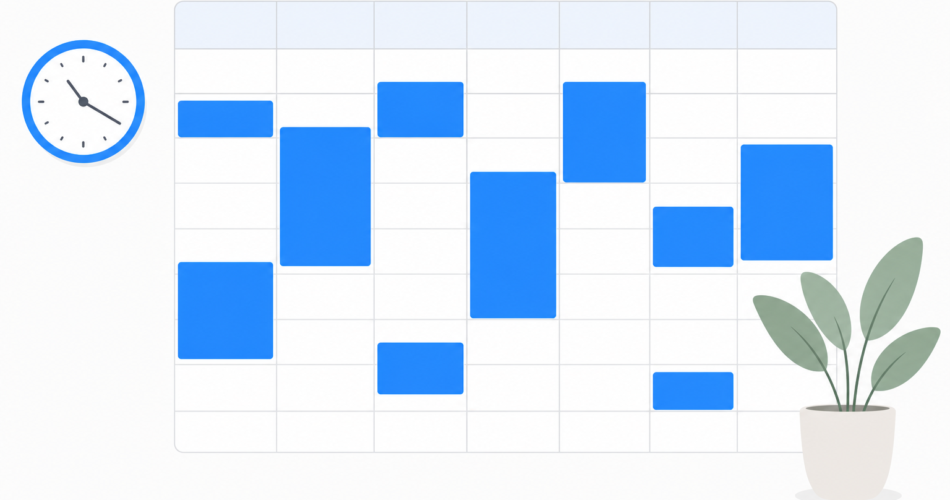
Time blocking is a time management technique where you divide your workday into dedicated blocks of time, each assigned to a specific task or type of work. Instead of working from an open-ended to-do list and picking tasks as you go, you decide in advance when you’ll do each thing – and protect that time on your calendar.
Think of it as a budget for your time. Just as a financial budget tells your money where to go, a time block tells your hours where to go. The result: fewer surprises, more deep work, and a day that ends with your priorities actually completed.
Why Most To-Do Lists Fail (and What Time Blocking Does Differently)
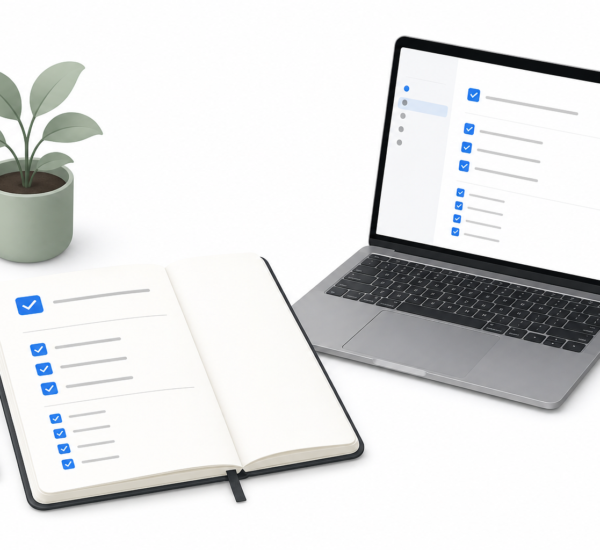
A standard to-do list tells you what to do. It doesn’t tell you when. That gap is where productivity falls apart.
When you have 20 items on a list and 8 hours in a day, the default human tendency is to reach for the quick, easy tasks first – emails, small admin, things that feel productive but don’t actually move the needle. The hard, important work gets deferred. Again.
Time blocking closes the gap by forcing you to make a decision: when, specifically, will you do this thing? Once a task has a dedicated block on your calendar, it stops being abstract and starts being real. Research on implementation intentions shows that people who plan not just what they’ll do but when and where are significantly more likely to follow through.
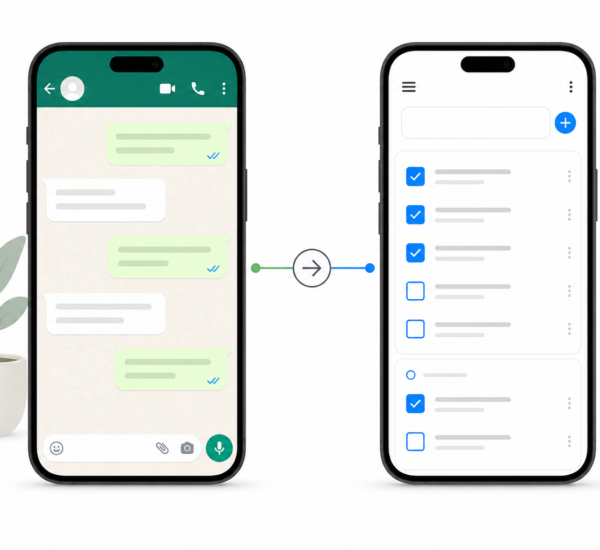
any.do makes this shift easy – combining your task list and calendar in a single view so you can schedule tasks directly into time blocks without switching apps.
How to Start Time Blocking Your Day (Step by Step)
You don’t need a complicated system to get started. Here’s a simple approach that works from day one:
1. Audit your tasks for the week
Before you block time, you need to know what you’re blocking it for. Spend 10 minutes on Sunday (or Monday morning) listing everything that needs to get done this week – work projects, admin, personal tasks, appointments, everything.
2. Estimate how long each task takes
Be honest. Most people underestimate task duration by 30–50%. Add a buffer. A task you think will take 30 minutes should probably get a 45-minute block.
3. Group similar tasks together
Context switching is expensive. Batch similar tasks into the same block: all email in one window, all creative work in another, all calls in one slot. This is called “task batching” and it amplifies the benefits of time blocking.
4. Map tasks to your energy levels
Schedule deep, cognitively demanding work during your peak hours (for most people, mid-morning). Save admin, email, and meetings for your lower-energy windows in the afternoon.
5. Put it on your calendar
Block time on your actual calendar – not just on a list. This makes the commitment visible to you and others. any.do’s calendar integration lets you see your tasks and events side by side, so gaps in your schedule are immediately obvious and filling them takes a single tap.
The Different Types of Time Blocking
Time blocking isn’t one-size-fits-all. Here are the main variations worth knowing:
- Task batching – Grouping all similar tasks (e.g., all phone calls, all writing sessions) into one block to minimize context switching.
- Day theming – Dedicating entire days to specific types of work. Mondays for planning, Tuesdays for meetings, Wednesdays for deep project work. Cal Newport and Elon Musk both use versions of this.
- Time boxing – A variant where you assign a hard time limit to a block. You work on the task until time is up, then stop — whether it’s done or not. Great for preventing perfectionism from eating your schedule.
- Buffer blocks – Intentionally empty windows built into your day to absorb overruns, unexpected tasks, and transition time. Non-negotiable for any realistic schedule.
Most beginners do best starting with basic task batching before experimenting with day theming. Get the fundamentals right first.
How to Handle Interruptions and Overruns
The most common objection to time blocking: “My day is too unpredictable for this.” This is also the most common misunderstanding.
Time blocking doesn’t assume your day will go perfectly. It assumes the opposite – and builds in structure that helps you recover faster when it doesn’t.
- Never schedule more than 70% of your day. Leave 30% unblocked as buffer. Emergencies fill buffer; they don’t blow up your entire day.
- When a block gets interrupted, reschedule it – don’t abandon it. Move it to the next available slot. any.do’s daily planner makes this frictionless: incomplete tasks surface automatically each morning so nothing falls through the cracks.
- Protect at least one block per day as inviolable. This is your Most Important Task block. No meetings, no Slack, no exceptions. Even one protected block per day compounds significantly over a month.
Common Time Blocking Mistakes (and How to Avoid Them)
If you’ve tried time blocking before and it didn’t stick, one of these is probably why:
- Over-scheduling. Packing every minute leaves no room for reality. Schedules that are too tight break at the first obstacle. Build in buffer blocks liberally.
- Not reviewing the night before. Time blocking only works if you plan ahead. A 5-minute evening review to set tomorrow’s blocks is the habit that makes everything else work.
- Blocking time but not protecting it. A block on the calendar means nothing if you still let meetings and Slack override it. Treat focus blocks like external commitments.
- Using too many tools. If your tasks live in one app and your calendar lives in another, the friction of managing two systems quietly kills the habit. An integrated tool like any.do – where tasks and calendar share the same interface – removes that friction entirely.
Who Benefits Most from Time Blocking?
Time blocking works for almost everyone, but it’s especially powerful for:
- Knowledge workers who need to protect deep work time in a calendar full of meetings
- Freelancers and solopreneurs who set their own schedules and need structure that an office environment would otherwise provide
- Anyone who consistently runs out of time for their most important work
- People with ADHD who benefit from external structure to manage attention and transitions
- Students managing a mix of classes, assignments, studying, and personal time
Your First Time Block Starts Now
You don’t need to overhaul your workflow to get started. Pick one thing that has been stuck on your list for three days or more. Open your calendar. Give it a specific time slot tomorrow. That’s your first time block.
Once you feel the difference between a task with a dedicated time slot and a task floating on an endless list, you won’t go back.
any.do makes this easy – its daily planner shows your tasks and calendar together, so you can plan, block time, and track progress all in one place. Try it free and see what a structured day feels like.