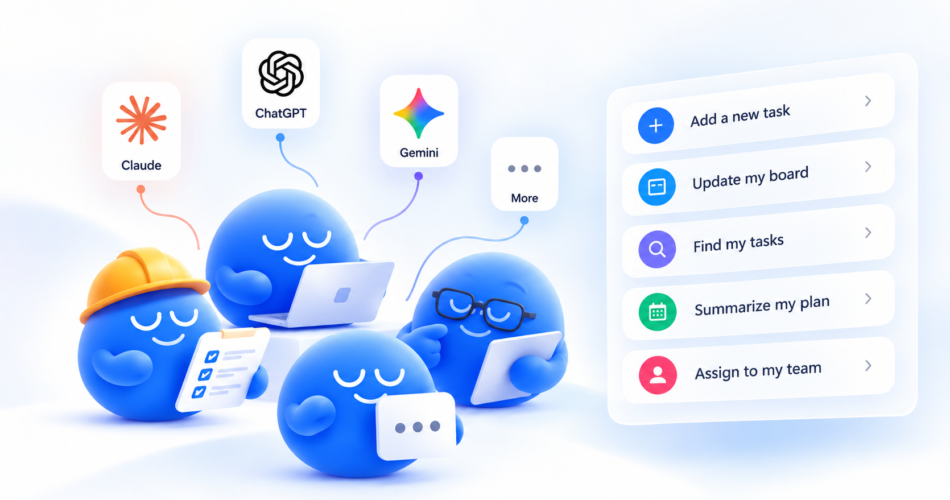
Any.do is now an AI to-do list: AI agents can manage your tasks for you. With the new Any.do MCP integration, you connect your AI assistant once, then add tasks, schedule reminders, run bulk actions and manage your team’s work with a single sentence, right from the chat you already use.
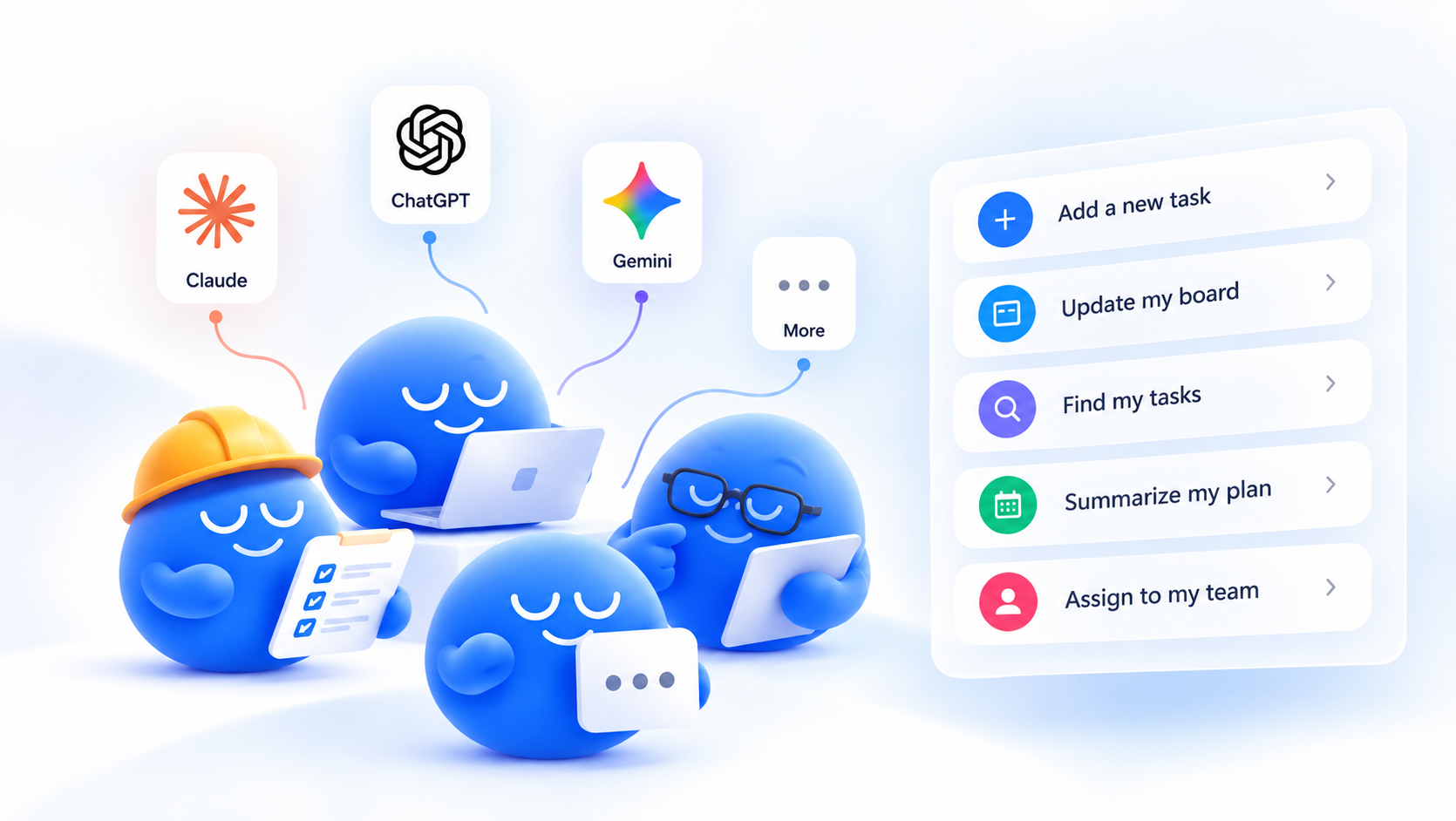
It works with Claude, ChatGPT and any AI agent that supports the Model Context Protocol (MCP), for personal lists and team workspaces alike. Setup takes about a minute. Here’s how AI task management with Any.do works, how to connect your agent, and what you can automate.
What is the Any.do MCP server for AI agents?
MCP (Model Context Protocol) is the open standard that lets AI agents connect to the apps you use. The Any.do MCP server gives your AI assistant secure, permissioned access to your Any.do account, so it can read and act on your tasks, lists, reminders and team workspaces.
In practice, your AI agent stops just suggesting what you should do and starts actually doing it in your to-do list. You stay in control: you approve the connection, and you can disconnect it at any time.
How to connect your AI agent to Any.do
Pick the AI assistant you use and follow its path. Every option ends with the same short sign-in to Any.do.
Connect Any.do to Claude
- Click Connect Any.do to Claude.
-
Add a connector – Follow Claude instruction
- Start a new chat and ask Claude to do something with your tasks.
Connect Any.do to ChatGPT
-
Go to plugins tap on the “Add” on the top right corner
-
Select “Add custom MCP server.”
- Insert the details, Name can be Any.do
- Set server url as https://mcp.any.do/sse
Connect Any.do to any MCP-compatible AI agent
This works for Cursor, VS Code, Gemini, custom-built agents and any other MCP client.
Copy the Any.do MCP server URL -> https://mcp.any.do/sse
What AI agents can do with your Any.do to-do list
Once connected, your assistant works across both your personal lists and your team workspaces.
- Add and update tasks. Create tasks with due dates, notes, subtasks and lists, or edit existing ones in plain language.
- Bulk actions. Move, reschedule, complete, tag or delete many tasks at once. Clearing a messy list goes from twenty minutes to one sentence.
- Schedule reminders. Set one-off or recurring reminders without opening the app.
- Ask questions about your list. “What’s overdue?”, “What’s on my plate Thursday?”, “Which tasks have no date?” Your agent reads your list and answers.
- Run team workspaces. Assign tasks to teammates, check what’s in progress on a board, and keep shared projects moving from the same chat.
- Automate routines. Turn meeting notes into action items, build a weekly review, or have your agent plan your day from what’s due.
Because you talk to it in natural language, there are no rules or menus to learn. If you can describe it, your AI agent can usually do it.
Manage your team with AI agents
AI task management isn’t only for personal lists. If your team runs on an Any.do workspace, your AI agent can manage it with you.
- Delegate from the chat. “Assign the landing page review to Dana, due Thursday.”
- Get a status update in seconds. “What’s still open on the Q4 launch board, and who owns it?”
- Turn meetings into action items. Paste your notes and your agent creates tasks, assigns owners and sets due dates.
- Keep projects on track. Ask your agent to flag overdue team tasks or reshuffle deadlines when plans change.
Managers spend less time updating boards and more time unblocking people, while everyone keeps working in Any.do as usual.
Example AI agent prompts for your to-do list
Copy any of these into your assistant once Any.do is connected:
- “Add ‘renew passport’ to my Personal list for next Monday at 9am.”
- “Move everything overdue to tomorrow, except work tasks.”
- “What do I have due this week? Group it by list.”
- “Remind me every Friday at 4pm to send the weekly report.”
- “Turn these meeting notes into tasks for the Marketing workspace and assign them to the right people.”
- “Mark all grocery items as done.”
- “Plan my day: pick the three most important tasks and schedule the rest for later this week.”