The ultimate
Digital Declutter Checklist
Clean up files, inboxes, apps, photos, and online accounts.
Digital declutter checklist
- Back up important files
- Update the operating system
- Update installed apps
- Delete unused desktop files
- Organize desktop shortcuts
- Empty the downloads folder
- Create a clear folder structure
- Rename unclear files
- Move documents into the correct folders
- Delete duplicate files
Digital Declutter Checklist
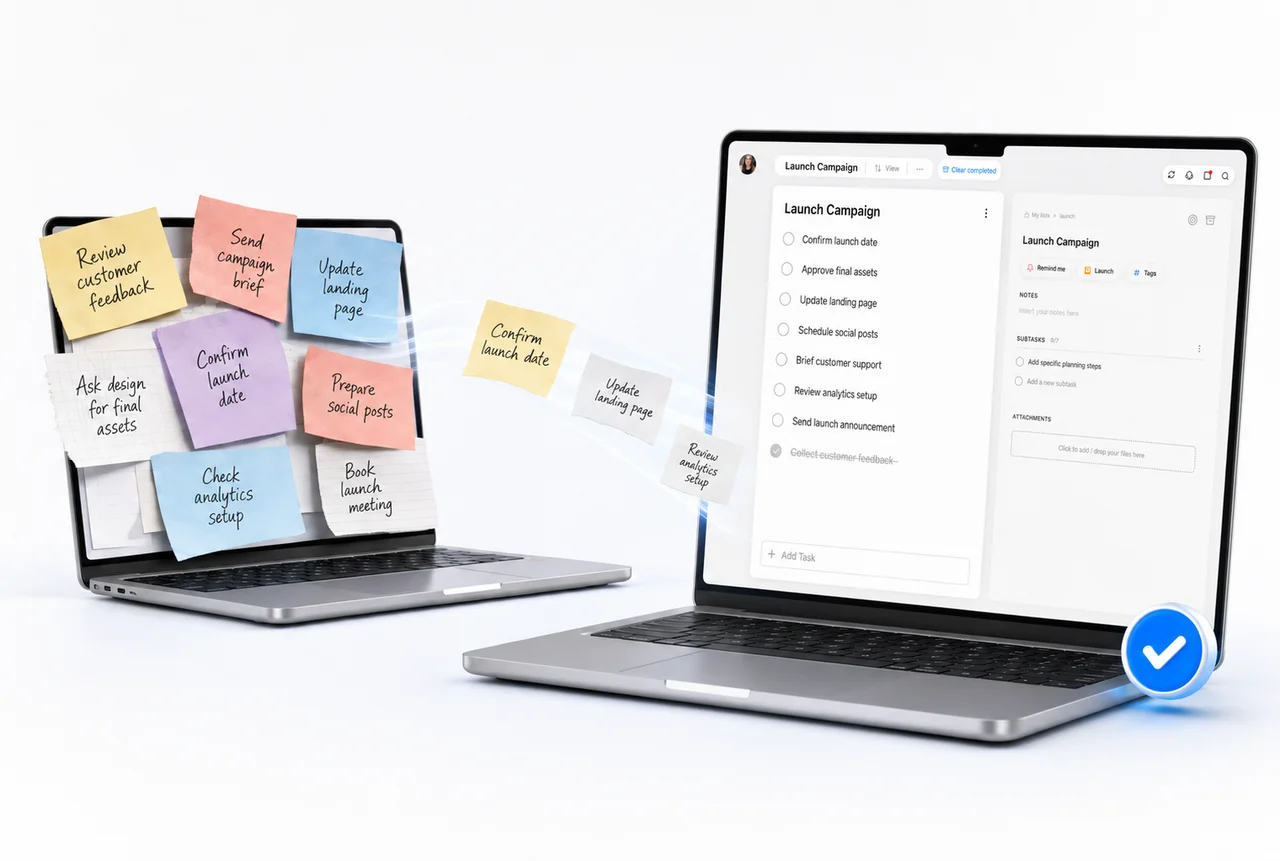
Create a calmer digital life with a complete digital declutter checklist for your computer, phone, inbox, cloud storage, photos, apps, passwords, subscriptions, and browser. Work through the list to delete outdated files, organize important folders, unsubscribe from unwanted messages, remove unused apps, back up valuable content, and improve account security. This digital organization routine can reduce distractions and make everyday information easier to find. Use it as a monthly reset or a focused weekend project to reclaim storage, simplify your devices, and build a cleaner, more productive digital workspace.
You might also like
- Health & Wellness
Morning Routine Checklist
Build a realistic morning routine for energy, focus, and calm.
- Health & Wellness
ADHD Daily Reset
Use small, visible steps to regain focus and reduce overwhelm.
- Health & Wellness
Self-Care Checklist
Make time for simple habits that support your wellbeing.
- Home & Household
First Apartment Essentials
Set up your first apartment with every important essential.