Apple Reminders vs Any.do: A Fair Fight in 2026
The apple reminders vs any.do comparison has changed significantly over the past few years. Apple Reminders was once a minimal app that serious productivity users dismissed immediately. With iOS 13, 16, and subsequent updates, Apple added grocery list grouping, tags, smart lists, subtasks, early reminders, and deeper Siri integration. Reminders is now a capable app that genuinely works for a wide range of users. The question is no longer whether Apple Reminders is good enough. It is: good enough for what?
The apple reminders alternative question is worth asking carefully. Switching apps has a cost. Learning a new interface, migrating existing tasks, and changing daily habits all take effort. That effort is worth it when the new app solves a problem the current one cannot. It is not worth it when the two apps are functionally equivalent for your actual use case. This comparison is designed to help you identify which situation you are in.
What Apple Reminders Does Well
Apple Reminders has earned its place as a serious task manager for Apple ecosystem users. Its strengths are genuine:
- Deep Siri integration: “Hey Siri, remind me to call the dentist tomorrow at 10am” works reliably and feels natural. Reminders was built alongside Siri and the integration shows. Adding tasks by voice while driving, cooking, or hands-occupied is seamless.
- iCloud sync: Reminders syncs instantly and reliably across iPhone, iPad, Mac, and Apple Watch. If you live entirely within the Apple ecosystem, this sync is invisible and frictionless.
- Grocery lists with smart categorization: The grocery list feature automatically groups items by category (produce, dairy, bakery) as you add them. For household shopping, this is a genuinely useful feature that most dedicated task managers do not replicate.
- Subtasks and tags: Reminders supports nested subtasks and tags for organizing tasks across lists. The tag view lets you see all tasks with a specific tag across multiple lists.
- Zero cost and zero setup: It is already on every Apple device, free, and requires no account creation or onboarding. For users who want to start immediately with no friction, nothing beats the built-in app.
- Privacy: Tasks in Reminders stay on-device and in iCloud. There is no third-party service receiving your task data.
What Apple Reminders Still Cannot Do
Despite the improvements, Apple Reminders has clear limitations that matter for many users:
- No calendar integration: Reminders does not show your actual calendar events alongside your tasks. You cannot see in a single view that you have three hours of meetings today and plan your tasks against that reality. The tasks and the calendar are completely separate.
- Apple-only: There is no Android app and no meaningful Windows or web app. If any device in your life runs Android or Windows, Reminders does not work across your full workflow.
- No collaboration or shared task management: You can share a list with other iCloud users, but the collaboration features are minimal. There is no task assignment, no comments, no activity feed, and no team-level task management.
- No AI planning assistance: Reminders has no AI features for helping you prioritize, plan your day, or suggest what to focus on.
- No daily planning view: Reminders shows tasks by list or by date. It does not have a daily planning interface that brings together your highest-priority tasks and your calendar for intentional day planning.
- Limited on Android and web: iCloud.com has a basic Reminders view, but it is not a practical daily-use interface. Android users have no native option.
Apple Reminders vs Any.do: Head-to-Head
| Feature | Apple Reminders | Any.do |
|---|---|---|
| Calendar integration | No | Yes (Google, Outlook, Apple Calendar) |
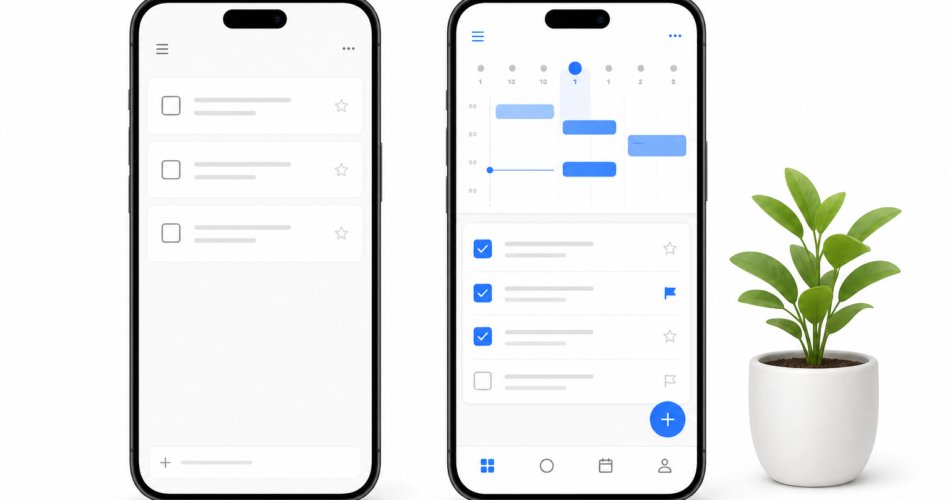
| Daily planning view | No | Yes (core feature) |
| AI planning assistance | No | Yes (premium) |
| Android support | No | Yes (full-featured) |
| Windows/web support | Minimal | Yes (full-featured) |
| Collaboration/shared tasks | Basic sharing only | Full team and family support |
| Task assignment | No | Yes |
| Siri integration | Deep (native) | Yes (via Shortcuts) |
| Smart grocery lists | Yes (native grouping) | Yes (basic) |
| WhatsApp integration | No | Yes |
| Cost | Free (built-in) | Free tier + premium plans |
| Privacy | On-device/iCloud | Cloud service (privacy policy applies) |
When Apple Reminders Is Genuinely Enough
Apple Reminders is the right choice in specific situations where its strengths match your needs exactly:
You use only Apple devices. If your phone is an iPhone, your computer is a Mac, and you have an Apple Watch, Reminders works everywhere you work with zero setup. The sync is native and invisible. There is no reason to switch to a third-party app just to add the complexity of an account and a subscription.
Your task management is primarily personal reminders. If what you mainly need is “remind me to do X at Y time” and “here is my shopping list,” Reminders handles that reliably. The Siri integration makes voice-adding reminders faster than any third-party app can match on Apple devices.
You do not share tasks with others. If you manage your tasks entirely for yourself and have no need to coordinate with a partner, family, or team, the collaboration limitations of Reminders are irrelevant.
You do not plan your day against your calendar. If your daily workflow does not involve planning tasks against meeting schedules and available time blocks, the missing calendar integration is not a meaningful gap.
When You Need an Apple Reminders Alternative
Several specific situations make the apple reminders alternative search worthwhile:
You want to see tasks and calendar together. This is the single clearest reason to move to Any.do. Planning a realistic day requires knowing how much time you actually have. A task list that does not show your meetings forces you to mentally calculate availability every time you decide what to work on. The case for unified task and calendar planning is most obvious when you try to plan against a heavily booked day using only a task list.
You or someone you share tasks with uses Android or Windows. Reminders simply does not work across operating systems. If your partner uses Android, shared Reminders lists are not a realistic option. Any.do supports real-time shared lists across iOS and Android simultaneously.
You want to assign tasks to others and track their completion. Any.do’s shared list features include task assignment, so you can see who owns each item and whether it has been completed. Reminders sharing is more like a synchronized list than a coordination tool.
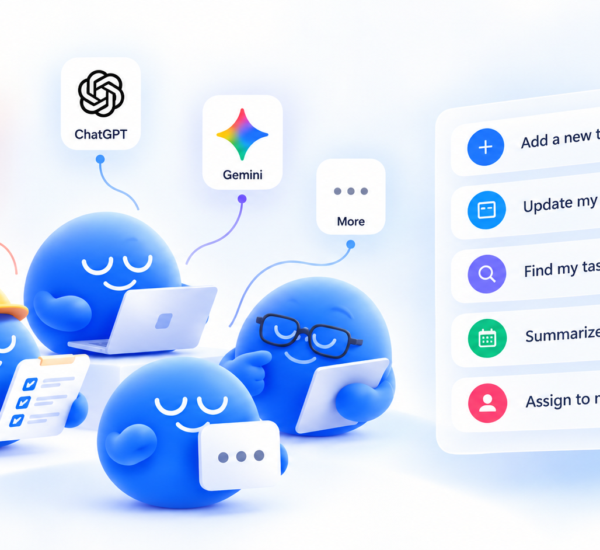
You want AI-assisted daily planning. Any.do’s AI planning features help you prioritize and plan your day in a way that Reminders does not attempt. Prioritizing your tasks with AI assistance is meaningful when your list is long and decisions about what matters today are genuinely difficult.
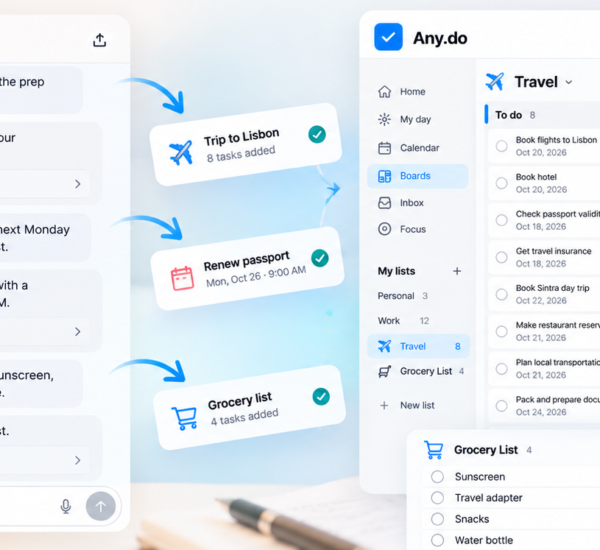
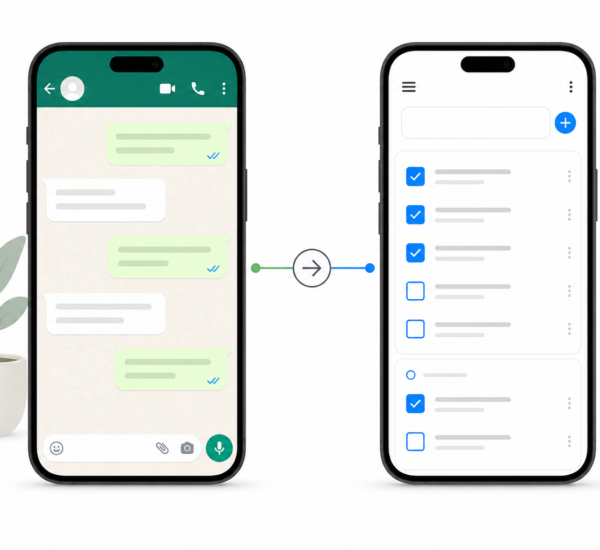
You want to use WhatsApp to create tasks. Any.do’s WhatsApp integration lets you forward messages or create tasks directly from a WhatsApp conversation. For users who receive significant work through messaging apps, this capture method is faster than any app switch.
The Honest Middle Ground
Many people end up using both apps for different purposes. Apple Reminders for time-sensitive personal reminders and grocery lists, where Siri integration and grocery categorization are most useful. Any.do for work task management, shared project coordination, and daily planning that requires calendar visibility.
There is nothing wrong with this arrangement. The apps do not compete for the same data. You can have a Reminders list for household needs and an Any.do system for work and shared commitments, and each handles its domain better than the other would. Shared task lists in Any.do work well for the coordination use cases where Reminders falls short, while Reminders’ native Siri integration handles the quick personal reminder use case that most people reach for their built-in app to solve.
Making the Choice
If everything you need from a task manager is available in Apple Reminders and you use only Apple devices, there is no compelling reason to switch. Reminders is a good app and it is free.
If you want to plan your day against your actual calendar, collaborate with people who use Android, or access your task list from a Windows machine or a browser, Any.do solves those problems and Reminders does not.
The apple reminders vs any.do decision is not about which app is better in the abstract. It is about which one matches your actual workflow. If you are not sure which camp you fall into, Any.do is free to try alongside Reminders. The daily planner view and calendar integration are immediately visible, and within a week you will know whether they change how you plan your day.